

You’ve just created your first 3D model using AI. It’s beautiful. It’s rotatable. It’s… sitting on your hard drive in a format you’ve never heard of.
GLB? OBJ? STL? STEP? It looks like someone sneezed an acronym all over your desktop.
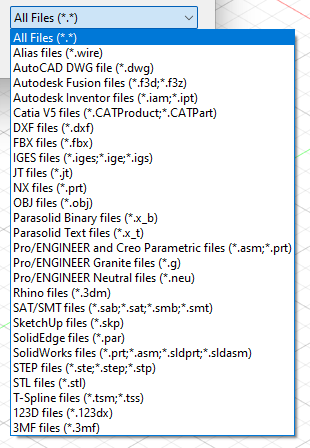
Don’t worry. That jumble of letters actually makes sense once you understand what’s going on under the hood. Think of 3D file formats like different types of containers—each designed for a specific job, each with its own strengths and weaknesses.
Let’s break down the four most common formats you’ll encounter and exactly when to use each one.
STL: The Workhorse of 3D Printing
What it is: STL (STereoLithography) is the granddaddy of 3D printing formats. Created in the 1980s, it’s been around longer than most of the people reading this blog.
How it works: Imagine covering a smooth object with tiny, flat triangles. That’s STL in a nutshell. It describes the surface of your model using thousands of connected triangles—like a digital origami version of your object.
The good: Literally every 3D printer on planet Earth understands STL. It’s universal, simple, and gets the job done.
The bad: Those triangles? They’re an approximation. Curved surfaces become faceted up close. More importantly, STL stores only geometry—no color, no texture, no material information. It’s like having a sculpture with no paint.
Use it when: You’re sending something to a 3D printer. That’s its home turf.
Skip it when: You need color, transparency, or any visual information beyond shape.
OBJ: The Versatile All-Rounder
What it is: If STL is a plain cardboard box, OBJ is a well-organized filing cabinet. Developed by Wavefront Technologies in the 1990s, it became the standard for moving 3D models between different software.
How it works: Like STL, OBJ uses triangles (or polygons) to describe shape. But here’s the magic—it can also reference separate files that contain color and texture information. Your 3D model arrives with its paint job intact.
The good: Nearly every 3D application speaks OBJ. It handles color, texture, and complex geometry gracefully. It’s text-based too, meaning you can actually open it in a text editor and see the coordinates (though I wouldn’t recommend trying to edit it by hand unless you enjoy headaches).
The bad: Those separate texture files are easy to lose. Email someone an OBJ without the accompanying MTL and JPG files, and they’ll get a gray, sad version of your colorful model.
Use it when: You’re moving models between different 3D software or need to preserve color and basic materials.
Skip it when: You need advanced material properties like metalness or roughness—OBJ’s material system is showing its age.
GLB: The Web-Savvy Performer
What it is: GLB (GL Transmission Format Binary) is the new kid on the block, and it’s absolutely crushing it in the modern web and AR space. Think of it as OBJ’s tech-savvy grandchild.
How it works: GLB packages everything—geometry, textures, animations, materials—into one single file. No separate texture files to lose. No wondering why your model looks wrong. One file, one complete package.
The good: It’s optimized for fast loading on websites and works beautifully with augmented reality on phones. Apple chose GLB as the format for Quick Look AR. Facebook uses it for 3D posts. It’s becoming the web standard for a reason.
The file sizes are smaller than equivalent OBJs, and the loading speed is noticeably faster.
The bad: It’s newer, so some older software might not support it. If you’re working with legacy tools, you might need to convert.
Use it when: You’re putting 3D on a website, creating AR experiences, or sharing models with non-technical people who just want things to work.
Skip it when: You’re dealing with vintage 3D software that predates 2015 or so.
STEP (STP): The Engineer’s Blueprint
What it is: STEP (Standard for the Exchange of Product Model Data) isn’t made of triangles at all. It’s a completely different beast—a mathematical description of precise shapes.
How it works: Remember how STL and OBJ approximate curves with thousands of tiny flat surfaces? STEP says “no thanks” and instead stores the actual mathematical formulas—the exact radius of that curve, the precise angle of that edge.
The good: Precision. If you’re designing a part that needs to fit with another part exactly, STEP is your friend. Engineers, architects, and product designers live in STEP world because “close enough” means parts that don’t fit.
It’s also editable in CAD software in ways that triangle-based formats aren’t. You can change that curve radius later because the software knows it’s a curve, not 500 triangles pretending to be one.
The bad: STEP files are useless for 3D printing directly. Your printer needs triangles, not math. You also can’t store color or texture—it’s pure engineering data.
Use it when: You’re designing something functional that needs precise measurements—mechanical parts, architectural components, anything that has to fit with something else.
Skip it when: You need visual beauty, color, or anything artistic rather than functional.
Which One Should You Choose?
Here’s my cheat sheet for when you’re staring at export options:
-
“I’m 3D printing this” → STL (simple, works everywhere)
-
“I’m moving this between different 3D art programs” → OBJ (keeps your colors intact)
-
“I’m putting this on my website or in AR” → GLB (one file, loads fast, looks right)
-
“I’m designing something that needs to fit with other things precisely” → STEP (mathematical perfection)
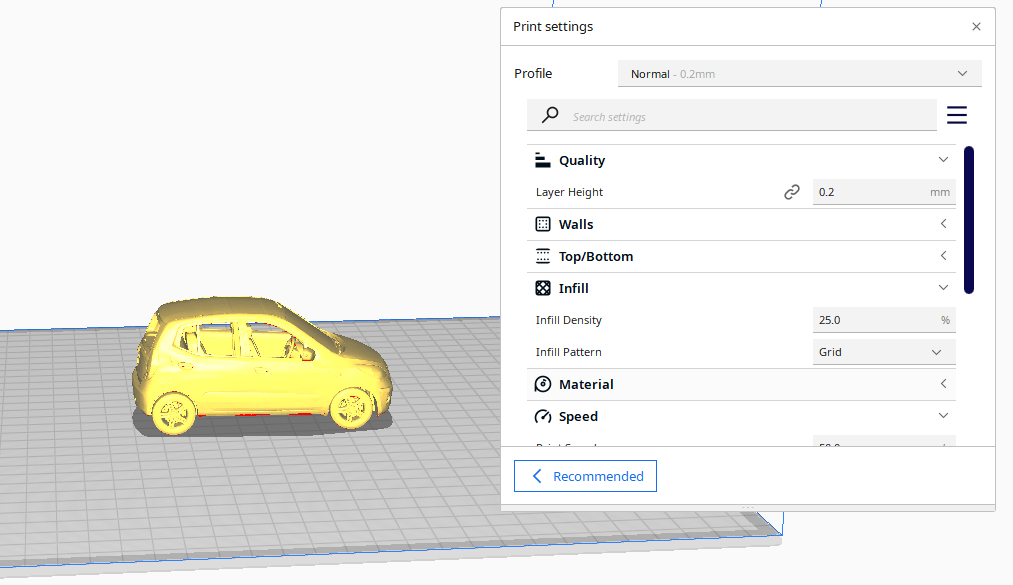
This is converted using https://convert3d.org/app
The Conversion Reality
Here’s the inconvenient truth: You can’t magically convert between these formats without losing something.
Try to turn a colorful GLB into engineering-perfect STEP? You’ll get a shape with no colors, and that shape will be an approximation rather than the mathematically precise original.
Try to turn a precise STEP file into a printable STL? The conversion software has to decide how many triangles to use—too few and you lose detail, too many and your file becomes enormous.
Choose your format based on your destination, not your origin.
The Future
Formats evolve. GLB is gaining ground fast because the web wants 3D. New formats like USDZ (Pixar’s Universal Scene Description wrapped in a zip file) are pushing for even more capability—think scenes with multiple models, lights, cameras, and animations all in one package.
For now though, knowing your STL from your STEP means you’ll never again export the wrong format and wonder why your beautiful model looks like a low-res mess or won’t open at all.